10 Steps to start a WordPress site build
WPCloud
First steps are identifying the DNS and hosting platform – migrating to WPCloud as a dev/staging site
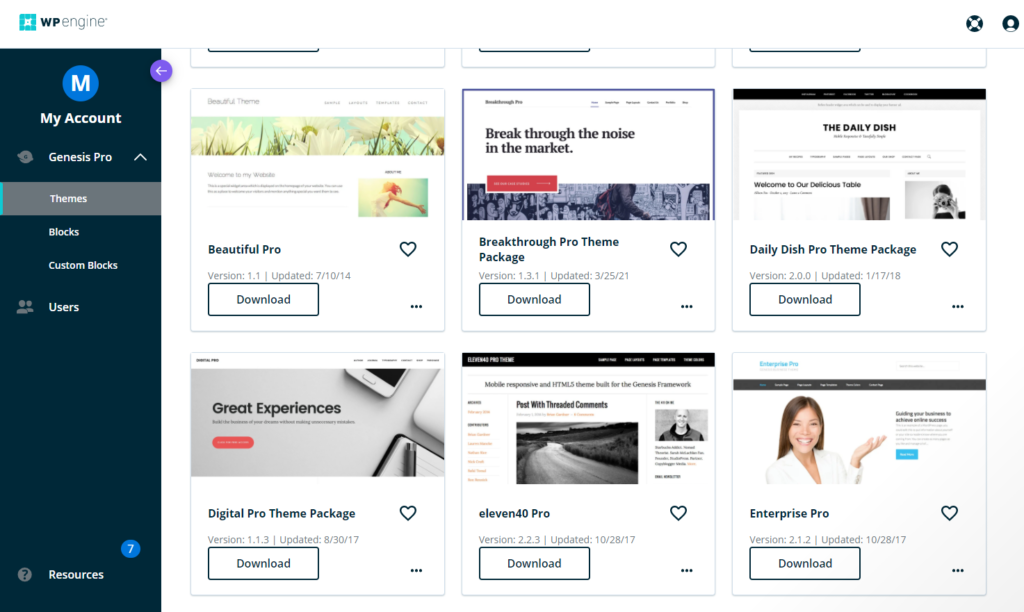
Find a theme
BMC relies on a trusted framework called Genesis. With these themes you will need the Genesis theme as a parent plus the theme you want to actively use. We have an initial meeting with the client for a scope of project and choose at least 2 themes we think would work best to present them with. Most clients go with an option already presented, occasionally they will want to see more or they have one in mind already.
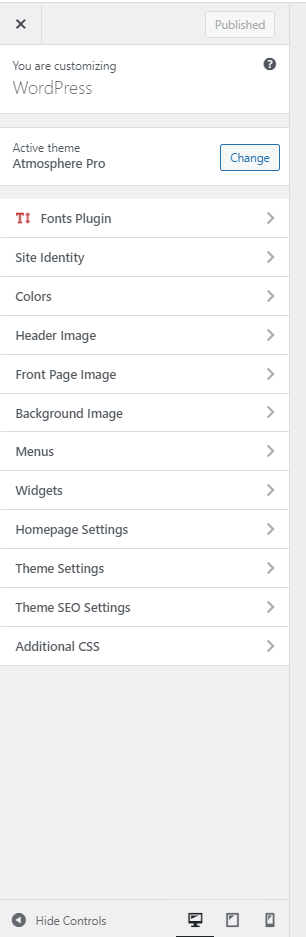
Appearance > Customize
The first set of site changes happen at base level, through the side panel of the dashboard. This is where you will change colors (clients branded colors), add site title, insert client logo and favicon, some themes have options here for background images, most site we work on are not blogs so we set ‘home’ to static page (instead of posts), and finally clear out default footer information of ‘WordPress login’ links and bloat content.
Add Plugins
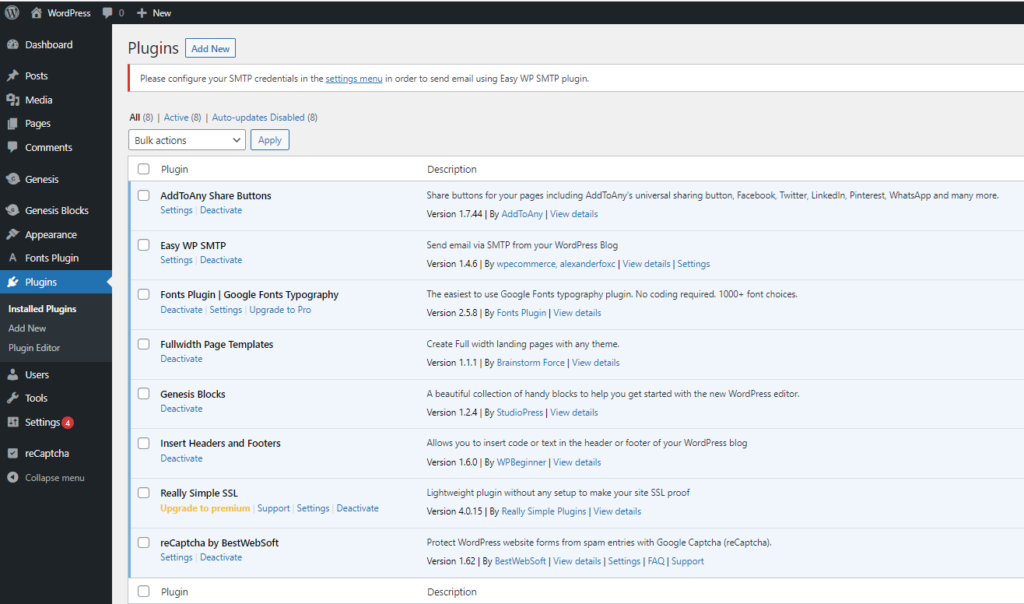
BMC has standard plugins we add for almost every client. SMTP, reCAPTCHA, Slider Revolution (paid), Formidable (paid, pro-license), and insert headers and footers. After that, additional plugins are determined by the client or site needs.
Gutenberg vs Page Builders
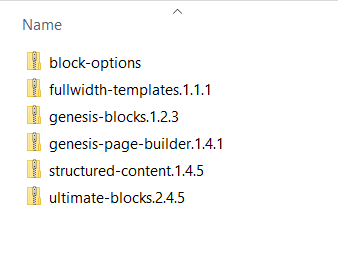
Gutenberg is the standard ‘block’ style that is the WordPress editor. Gutenberg has MANY plugins for advanced blocks and customizing blocks including fullwidth page layouts and advanced columns. Personally, this is my preferred way to work on WordPress and I have a saved list of advanced block customizers for quick reference.
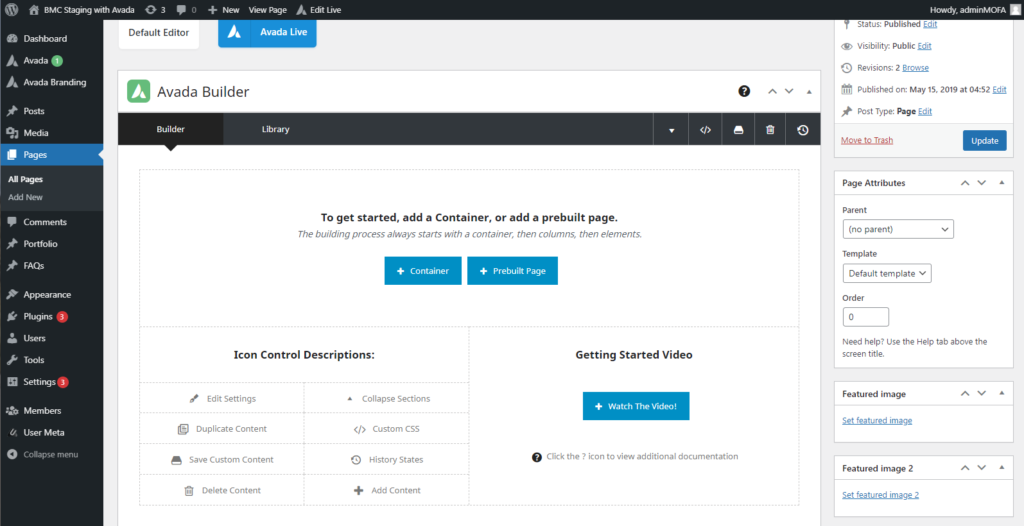
BMC likes to use page builders that have a history of durability and positive client feedback, Avada ($60) and WPBakery ($45) are the top two. A page builder will create more detailed layouts with many customizations on each page for each ‘container’ or section.
Digital Marketing
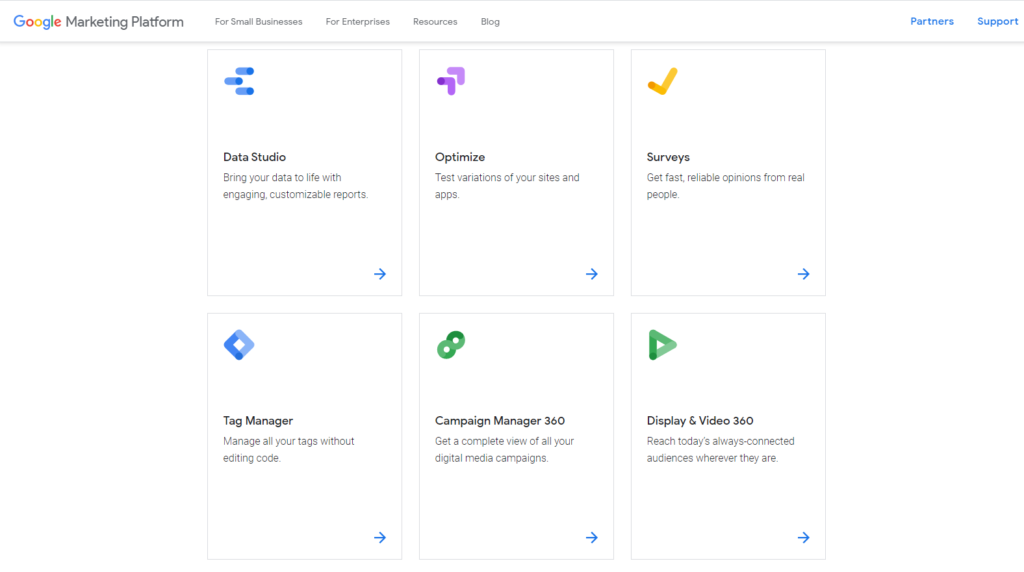
Google Marketing Platform, Google Tag Manager, Google Analytics
Menu Set-up
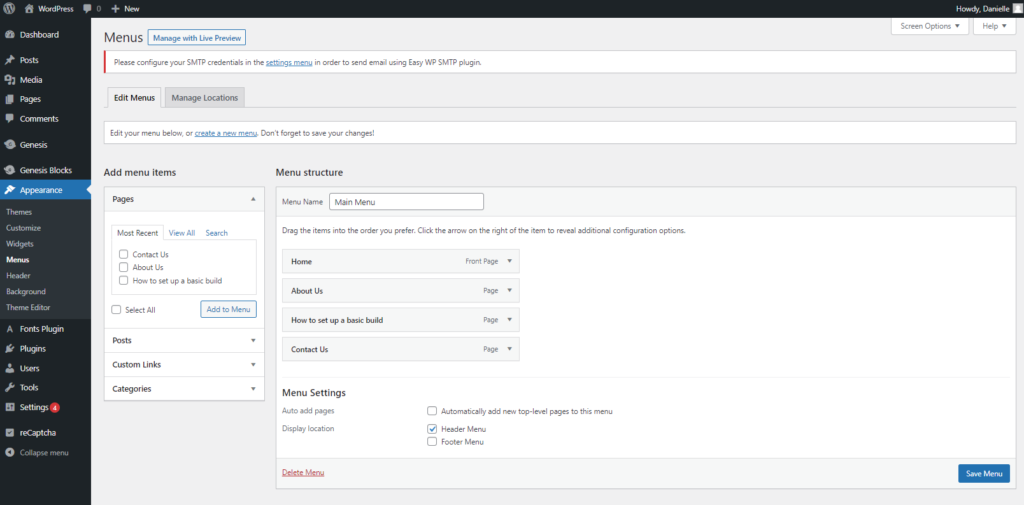
All sites have 3 basic pages Home, About Us, Contact. Any additional pages will be client specific, however if a client is looking for a quick idea of how their site will feel, or if the client is just starting and does not have all the information yet, this is where we start. Get these three pages established.
Home Page
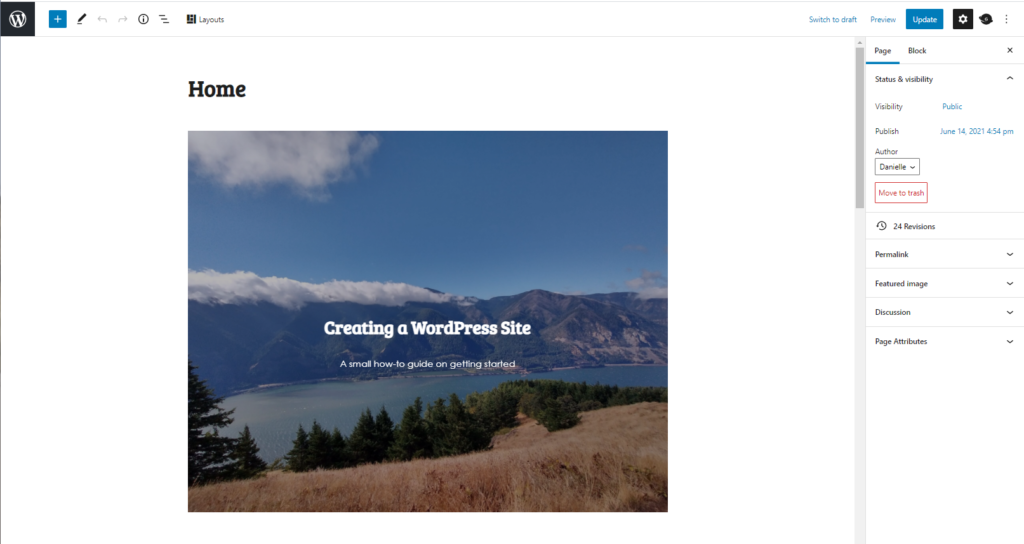
The home page takes the longest to layout, design, and get approved. This is the face of the site. If you have a widget based home page, you will spend a lot of time here as the client decides to move things around. Widgets can be a double-edge sword.
About Us
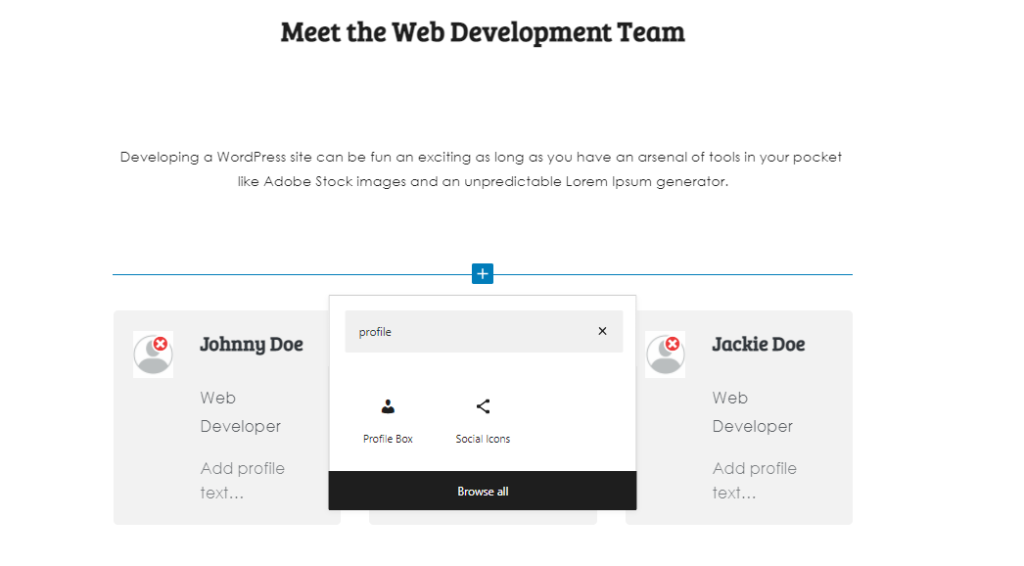
Most About pages have similar elements but different layouts. Typically this page will have a history or statement about the business and highlights the owners achievements. This is also where you may find photos and information on the full staff or team.
Contact us
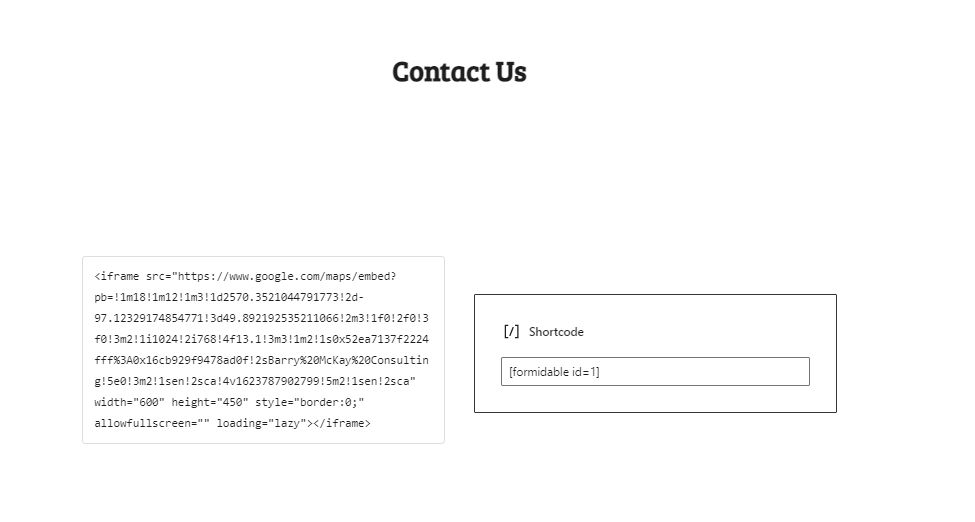
At BMC we keep out Contact pages standard and only add in elements as requested by the client. We follow a format of adding a google map, formidable form to send a message, clickable phone number, clickable email, address, and store hours where applicable. Sometimes this page will also host an image or video as a final marketing or branding grab.